management portal development
Management Portals & Dashboards
Role-based portals and dashboards that centralize approvals, operations, reporting, invoicing, and day-to-day execution in one clear workspace.
US SMB teams that are outgrowing spreadsheets, email-based handoffs, and dashboards nobody fully trusts.
management portal developmentbusiness dashboard developmentoperations portal softwarerole-based internal systems
Chicago-based team, serving US SMBs nationwide (remote-first).
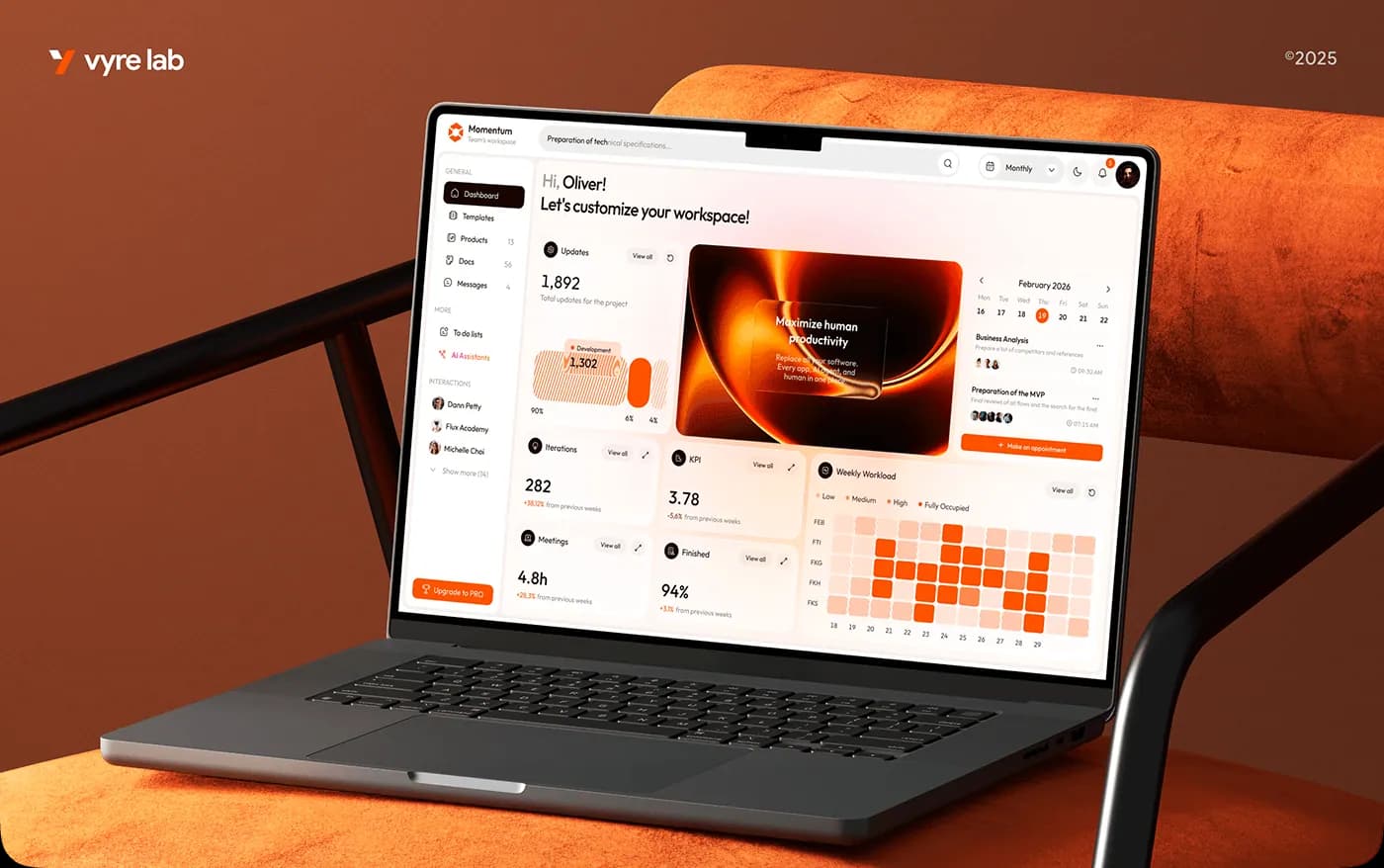
Management portal preview with workspace metrics, updates, and operational activity
Portals and dashboards that centralize workflows, approvals, and reporting.
0%
Manual status-update reduction
0wk
Weeks to first live portal workflow
0%
Role-based access on critical actions
0
Shared source of truth for ops teams
What is management portal development?
Role-based portals and dashboards that centralize approvals, operations, reporting, invoicing, and day-to-day execution in one clear workspace.
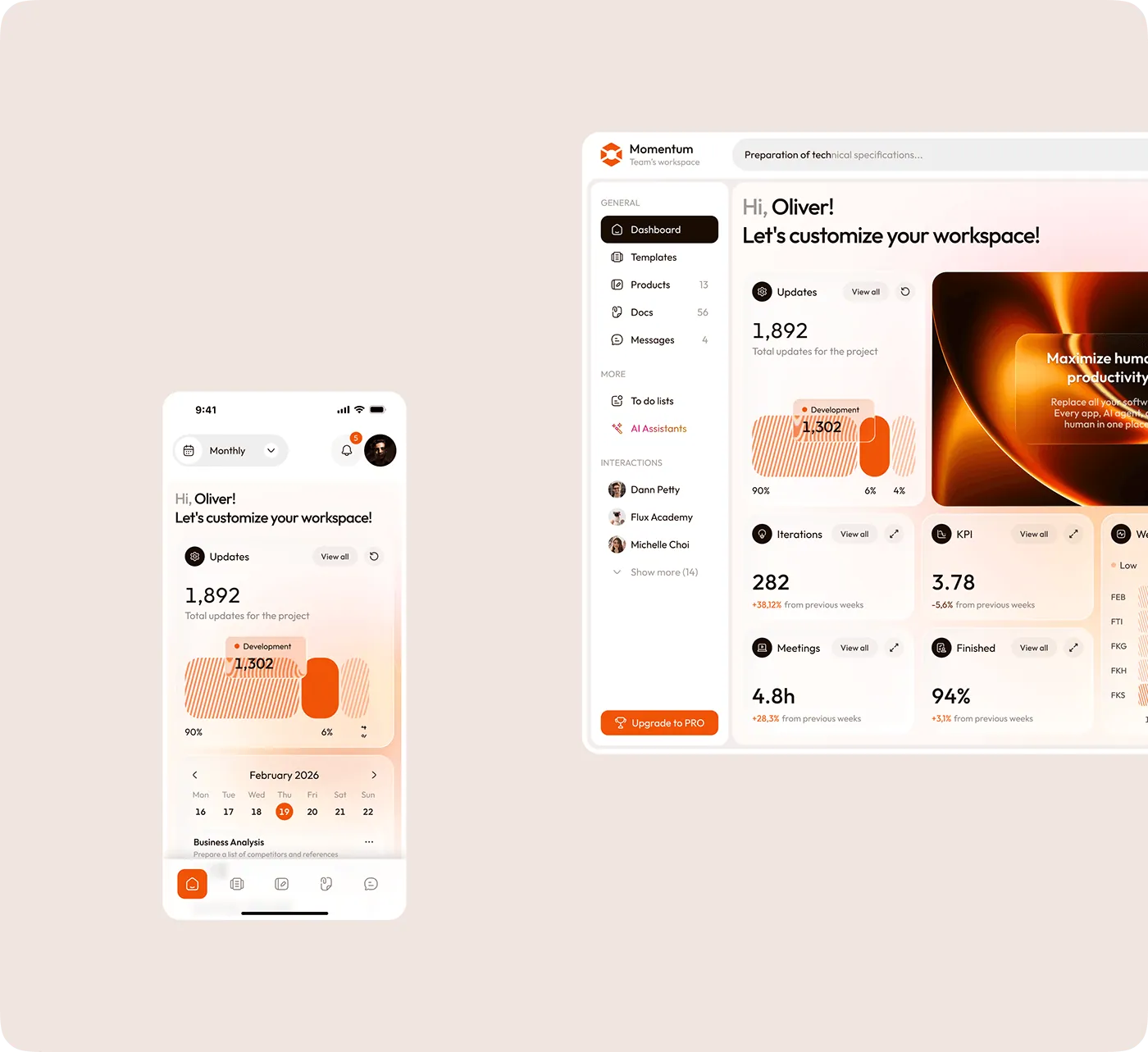
Portals That Make Work Obvious
A management portal should answer the three questions every user has the moment they log in: what needs attention, what changed, and what happens next. We design dashboards and workspaces that surface those answers immediately, so people can move work forward without searching through tabs, email threads, or multiple tools.
- Role-aware home screens tailored to operators, managers, finance, and support
- Task queues, approvals, and alerts grouped by urgency instead of by database table
- Search, filters, and saved views so people can find records fast on busy days
- Responsive layouts that keep the same workflow clear across desktop and tablet use
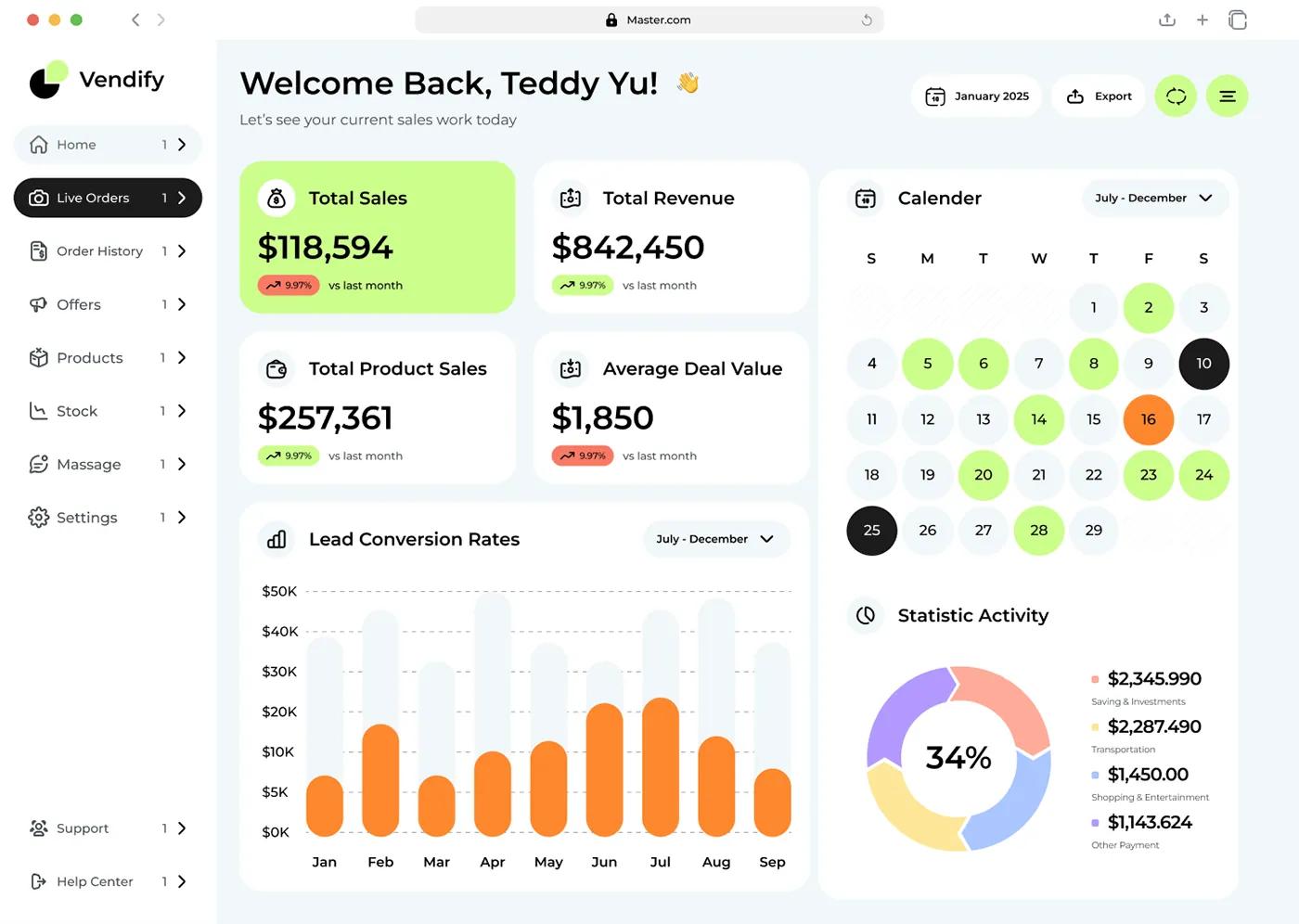
Dashboards That Reflect Real Operations
A pretty dashboard is useless if it does not line up with how your business actually runs. We tie reporting to live workflow states, handoff points, and financial events so the numbers on screen match the work happening behind them. That gives managers confidence and gives teams a system they can actually trust.
- Live metrics pulled from source systems instead of manual spreadsheet rollups
- Approval and exception tracking with timestamps, owners, and next-step visibility
- Custom tables and chart views for the KPIs each team actually uses
- Audit-friendly history for status changes, notes, and operational edits
Warehouse portal full layout
A warehouse operations portal with catalog control, stock visibility, worker views, and operational actions.
Live preview
Drag enabled
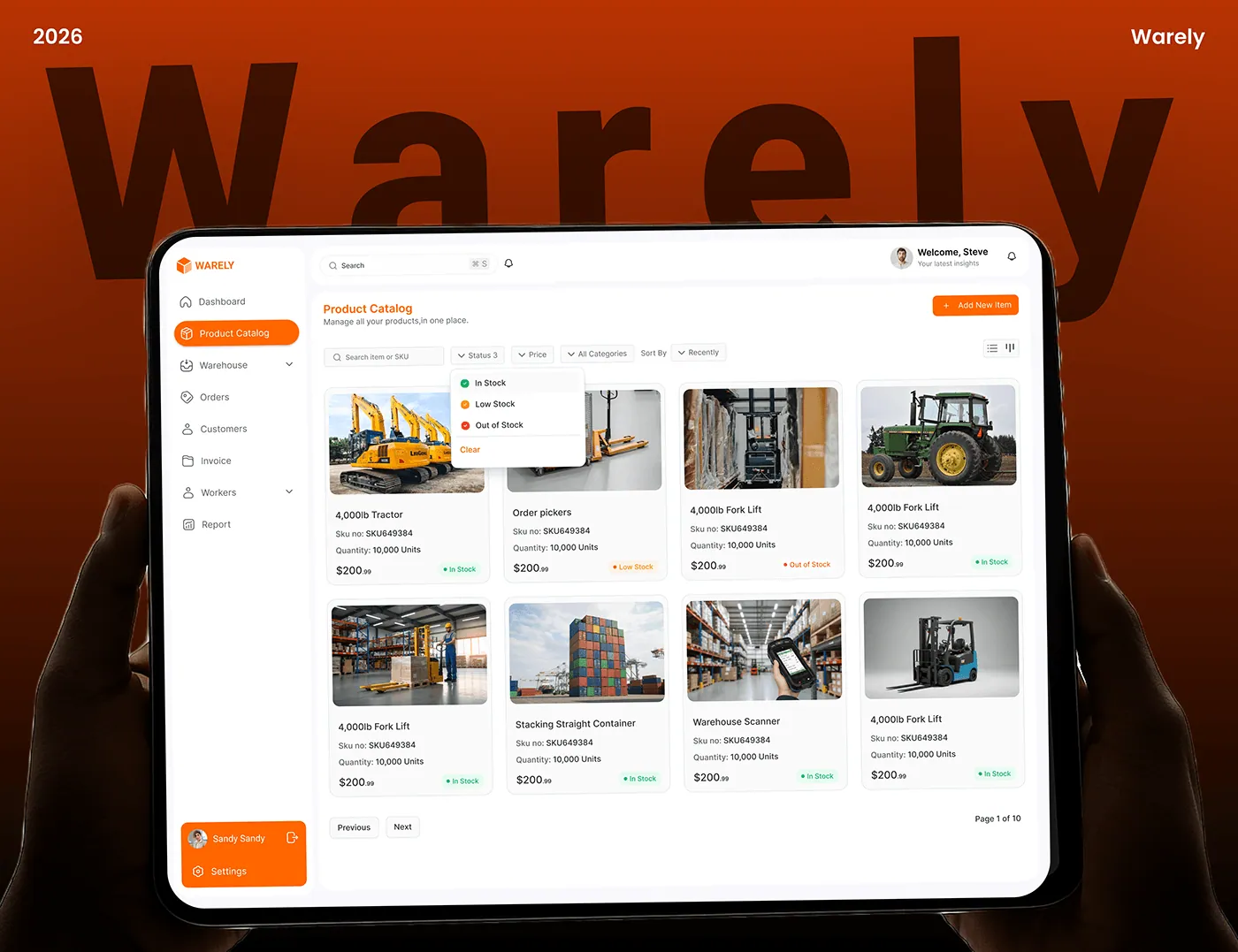
A warehouse operations portal with catalog control, stock visibility, worker views, and operational actions.
Why this matters
Each preview is tied to a real deliverable. Hover, drag, and resize to explore the layout patterns.
Tip: press Esc to close the full layout viewer.
What changes when you work with us
Side-by-side breakdown so you can see exactly where the value shows up.
Without a system
With Techlancers
Visibility
Teams chase updates across Slack, email, and spreadsheets
One portal shows status, owners, approvals, and next actions in real time
Reporting
Dashboards lag behind reality and nobody trusts the numbers
Operational dashboards reflect live system state and business activity
Approvals
Requests stall because nobody knows who has the next step
Approval chains route automatically with alerts, timestamps, and accountability
Client and staff access
Everyone asks the same questions in separate channels
Role-aware views surface exactly what each person needs, and nothing more
What we deliver
Every deliverable is scoped, documented, and built to production standards.
Role-based portal or dashboard with clear access boundaries
Every role gets the right view, actions, and data so the system feels simple even when the workflow behind it is complex.
Workflow automation for approvals, updates, and task routing
We replace manual handoffs with rules, notifications, ownership, and visibility across every step.
Operational reporting tied to live system data
Dashboards show what is happening now, not what someone updated yesterday in a spreadsheet.
Production-ready deployment, monitoring, and auditability
The portal launches with logging, error tracking, backup strategy, and a traceable history of key actions.
How it works
Click each step to see the output. Clear phases with measurable milestones at every stage.
Step 1 of 3
Map
Output: Workflow, roles, permissions, and reporting requirements
Designed to be reviewable by stakeholders in minutes, not days.
Built for predictable iteration with no surprises late in the build.
Our Approach to Management Portals and Dashboards
We start with the workflow, not the widgets. First we map the decisions, handoffs, and bottlenecks your team deals with every day. Then we design the portal and dashboard around those moments, using role-aware interfaces, live data, and clear actions so the product reduces noise instead of adding another place to click around.
55%
Manual update reduction
4 weeks
First workflow live
100%
Critical RBAC coverage
1 system
Source of truth
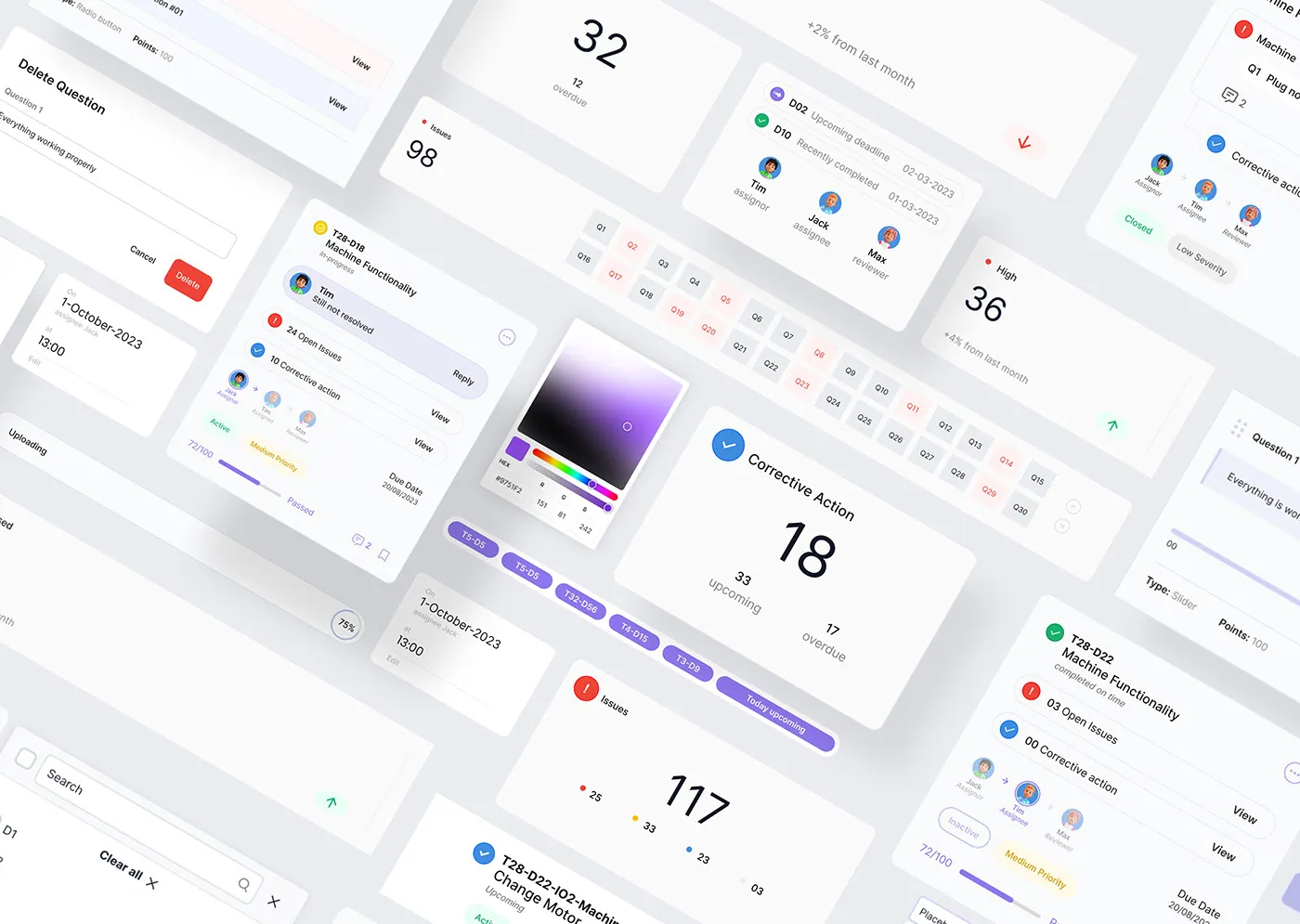
Tech stack and tools
We pick tools based on your constraints, not trends. Hover each card to see why it is in the stack.
FrontendDatabaseBackendAuthenticationPerformanceDeployment
Next.js / ReactFrontend
Hover to see why we use this
PostgreSQLDatabase
Hover to see why we use this
Node.js / .NET APIsBackend
Hover to see why we use this
Auth.js / Clerk / SSOAuthentication
Hover to see why we use this
Redis / QueuesPerformance
Hover to see why we use this
Vercel / AWSDeployment
Hover to see why we use this
Common use cases
Click a use case to see how this service applies to your situation.
Warehouse and inventory control
Track catalog, stock, workers, orders, and reporting from one operations portal.
Fixed scope with clear milestones so you know exactly what ships and when.
Measurement built in from day one so you can prove ROI to stakeholders.
Role-aware dashboardsApproval routingOperational reportingClient visibilityTask queuesInventory statusInvoice workflowsAudit trailsReal-time updatesPortal UXRole-aware dashboardsApproval routingOperational reportingClient visibilityTask queuesInventory statusInvoice workflowsAudit trailsReal-time updatesPortal UX
Built for Operational Clarity
Why Most Portals Fail After Launch
Portal projects often fail because the interface is designed around menus instead of work. Users log in and still do the real coordination in email, chat, or spreadsheets because the product does not match their day. We fix that by centering the portal on the moments where work moves: triage, assignment, approval, escalation, and reporting.
A Dashboard Should Trigger Action
The best dashboard is not just informative. It changes what someone does next. We design every summary card, table, and chart to connect to a next action: drill into an exception, review a pending approval, investigate a drop in output, or follow up on overdue items. That is what makes a dashboard operational instead of decorative.
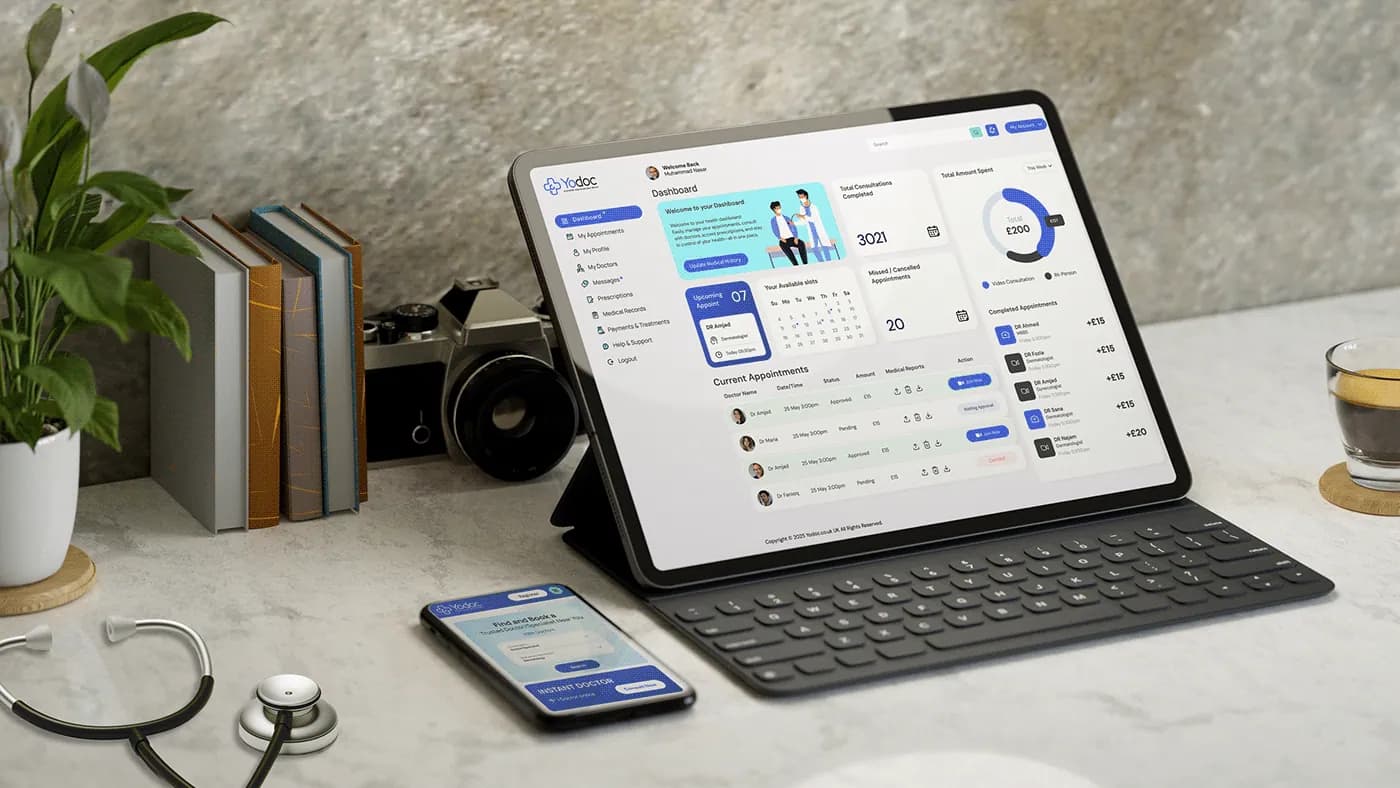
A control center view that keeps approvals, reports, and team activity visible without overwhelming the user.
Invoice dashboard full layout
A business management dashboard for invoicing, client tracking, revenue reporting, and payment visibility.
Live preview
Drag enabled
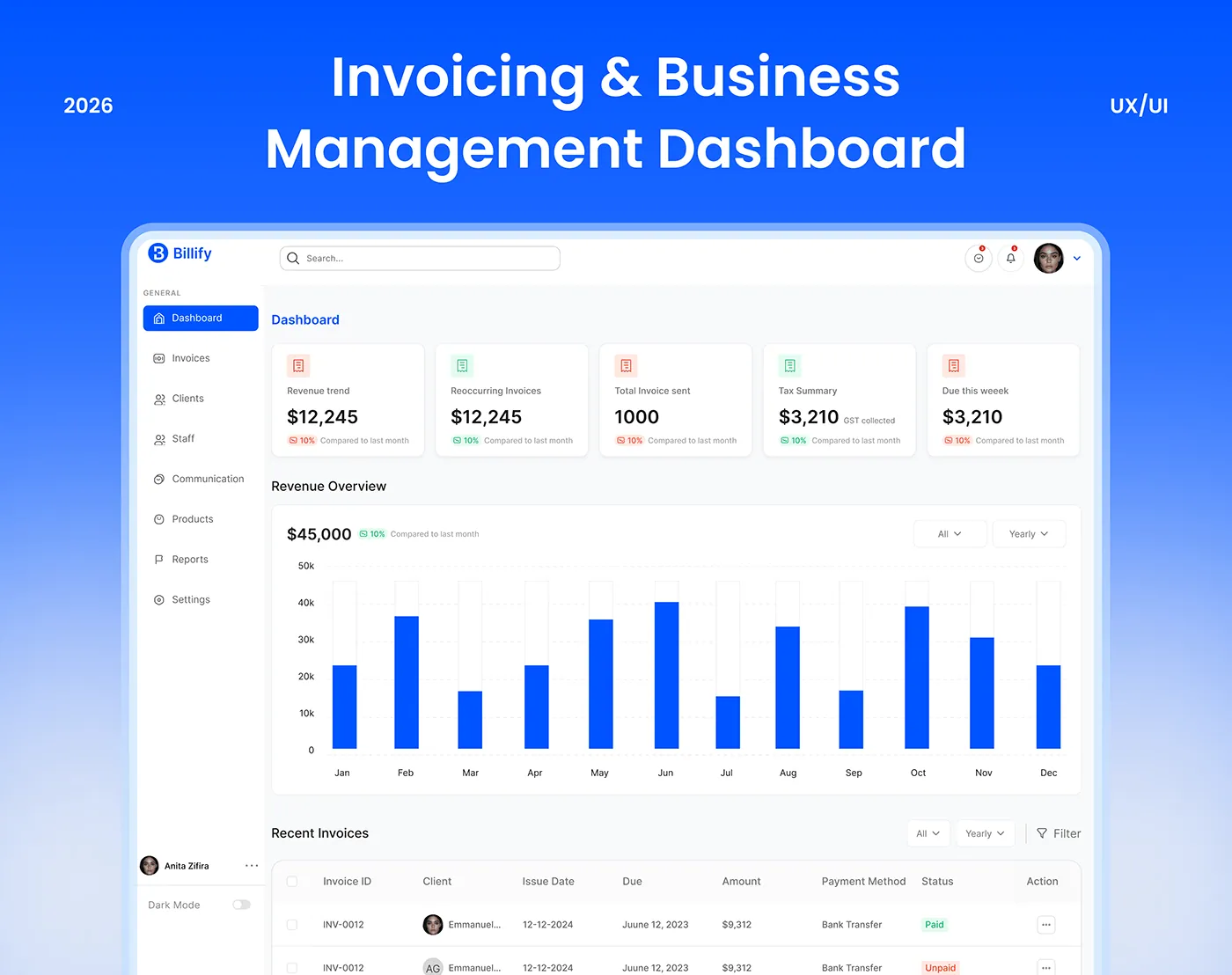
A business management dashboard for invoicing, client tracking, revenue reporting, and payment visibility.
Why this matters
Each preview is tied to a real deliverable. Hover, drag, and resize to explore the layout patterns.
Tip: press Esc to close the full layout viewer.
Portal Rollout Impact
What changes when your team stops managing operations through scattered tools.
Status Request Volume
-55%
55%
Fewer manual update requests after self-service visibility goes live
Approval Turnaround
2.1x
110%
Faster movement from request to decision
Data Confidence
94%
38%
Leadership trust in dashboards tied to live workflow state
Admin Hours Saved
18 hrs/wk
Recovered time from routing and manual reporting work
Measurable outcomes
Every engagement is measured against real business metrics. Here is what you should expect.
Fewer status-update interruptions
Teams and clients check the portal instead of sending manual follow-up messages for every request.
Faster approvals and handoffs
Routing logic, alerts, and role-aware views reduce the lag between one step finishing and the next one starting.
More trusted reporting
Leadership sees dashboards tied to real operational events, not stale manual summaries.
Higher team adoption
Interfaces mirror the actual workflow, so the portal becomes the default place to work instead of another ignored tool.
Frequently asked questions
Straight answers to the questions we hear most. Need something more specific? Book a quick call.
What is the difference between a portal and a dashboard?
A dashboard summarizes what is happening. A portal lets people act on it. Most strong systems combine both so users can see status and move work forward in the same place.
Can the portal support different roles and permissions?
Yes. Role-based access is a core part of how we design these systems so each user sees the right data and actions for their job.
Can you connect invoicing, inventory, and approvals in one product?
Yes. We can combine multiple workflows into one portal as long as they share a sensible data model and access pattern.
How long does a first version take?
A focused first workflow usually goes live in about 4 to 6 weeks. Broader systems with more integrations take longer depending on scope.
Will the dashboards use live data?
Yes. We design dashboards to read from the operational source of truth so the numbers stay aligned with real workflow activity.
Can this work on tablet and mobile too?
Yes. We keep key portal workflows responsive so teams can use them on desktop, tablet, and smaller screens when needed.
Ready for a build plan?
Book a quick fit call. Response in 24 hours.