What is an ERP system and why small businesses need one
Enterprise Resource Planning (ERP) software connects your core business processes into a single system: finance, inventory, sales, HR, and operations. When these systems talk to each other instead of living in separate spreadsheets, decisions get faster and errors disappear.
The misconception is that ERP is only for enterprise companies. In 2026, the biggest growth in ERP adoption is among businesses with 10 to 200 employees who realize that manual processes are the biggest bottleneck to scaling.
Signs your business needs an ERP
You are ready for an ERP when:
- Data lives in 5+ places. If your sales team checks one system, your warehouse checks another, and your accountant uses a third, you have an ERP problem.
- Month-end close takes more than 3 days. Manual reconciliation is a symptom of disconnected systems.
- Customer complaints cite "we did not know" issues. When your support team cannot see order history, shipping status, or billing information in one place, customers suffer.
- You are hiring to manage processes, not grow the business. If new hires spend most of their time on data entry rather than revenue-generating activities, automation is overdue.
Off-the-shelf ERP vs custom: decision framework
Choose off-the-shelf when:
- Your processes follow standard industry patterns
- You have fewer than 20 employees
- You do not need integrations with existing custom software
- Budget is under $15K
Popular options: NetSuite ($999+/month), Odoo ($20/user/month), SAP Business One (custom pricing)
Choose custom ERP when:
- Your workflows are your competitive advantage
- You need tight integration with existing systems (website, CRM, payment processor)
- Off-the-shelf licensing costs exceed custom build costs within 2 years
- You need specific compliance features (HIPAA, SOC 2, industry-specific regulations)
Essential ERP modules for small business
Module 1: Financial management
Accounts receivable, accounts payable, general ledger, and financial reporting. This module alone eliminates 60% of manual accounting work.
Module 2: Inventory and order management
Real-time stock levels, automated reorder points, and order tracking from placement to delivery. Critical for any business that sells physical products.
Module 3: Customer relationship management
Contact management, sales pipeline, and communication history. Connects marketing, sales, and support into a unified customer view.
Module 4: Human resources
Employee records, time tracking, payroll integration, and compliance documentation. Reduces HR admin time by 40%.
Module 5: Reporting and analytics
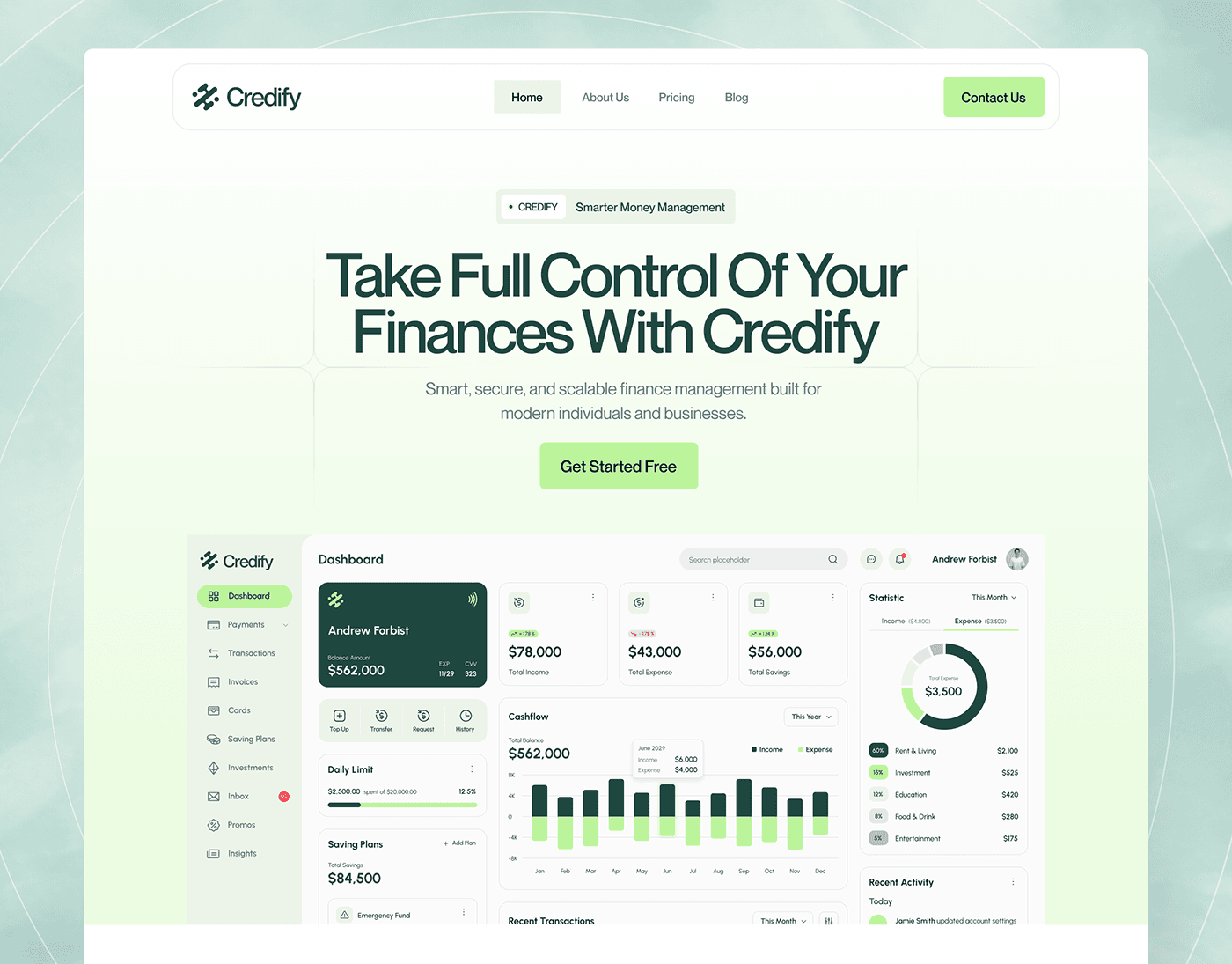
Dashboards that pull data from all modules for real-time business intelligence. No more waiting for the monthly spreadsheet.
How to budget for a custom ERP
| Phase | Investment | Timeline |
|---|---|---|
| Discovery and architecture | $3K to $5K | 1 to 2 weeks |
| Core modules (finance + CRM) | $20K to $40K | 6 to 8 weeks |
| Extended modules (inventory, HR) | $15K to $30K | 4 to 6 weeks |
| Integration and migration | $5K to $15K | 2 to 3 weeks |
| Training and launch | $3K to $5K | 1 week |
Total typical range: $40K to $95K for a complete small business ERP
The ROI calculation: if your ERP eliminates 2 full-time data entry positions ($80K/year combined) and reduces errors that cost $20K/year, the system pays for itself in under a year.
Implementation best practices
- Start with the module that hurts most. Do not try to build everything at once. Launch finance first, prove value, then expand.
- Clean your data before migration. Garbage in, garbage out. Invest time in data cleanup before go-live.
- Train power users, not everyone. Identify 2 to 3 people per department who become the internal experts.
- Plan for iteration. Your first version will not be perfect. Budget for 3 months of refinement after launch.
How Techlancers builds custom ERP systems
We design ERP systems that fit your specific workflows instead of forcing you to change your processes to fit the software. Every project includes:
- Process mapping workshop to understand your current workflows
- Modular architecture so you can launch incrementally
- Integration with your existing tools (QuickBooks, Stripe, HubSpot, Salesforce)
- Training and documentation for your team
- Ongoing support and iteration after launch
Book a fit call to discuss whether custom ERP is the right move for your business.